Basics
Auto Responders
Auto responders are a way to automatically respond to a user's message with a pre-defined response.
Creating an Auto Responder
Visit the Web UI, sign in and select your server.
Click on the "Auto Responders" link in the left-hand navigation bar.
Click "Add" in the top-right corner of the page.
You will be presented with a form to create your auto responder.
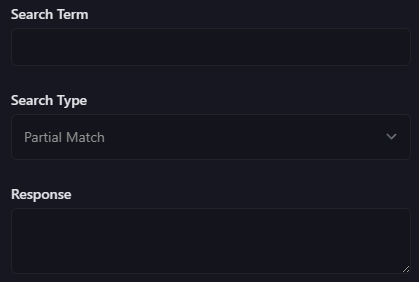
The first input is the trigger. This is the text that will be used to trigger the auto responder. For example, if you enter "hello" here, the auto responder will be triggered by typing "hello" in a channel that the bot has access to.
The second input is the trigger type. The two options are "Partial Match" and "Exact Match". "Partial Match" will trigger the auto responder if the trigger text is contained anywhere in the message. "Exact Match" will only trigger if the trigger text is the entire message.
The third input is the response. This is the text that will be sent to the channel when the auto responder is triggered.