Basics
Custom Images
All gif slash commands have a default global set of images they pull from. You are able to replace images for these commands specifically for your server if you want to customise the gifs they use.
Adding custom images
To add custom images, visit the Web UI, sign in and select your server.
Head to the Custom Images page.
You will be presented with this message:
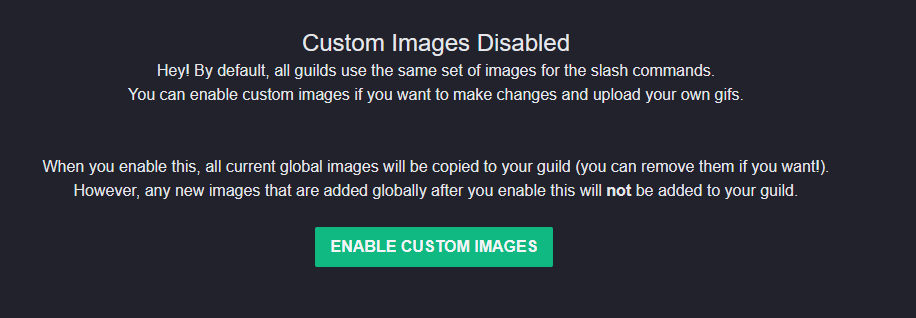
This warning is letting you know that by default there is a single globally managed list of GIFs (the default GIF list) and that if you enable Custom Images, that no changes to this global list will affect your guild. This means if a new command is added, you won't have any GIFs for it unless you add them yourself.
If you're happy with this, click the "Enable Custom Images" button.
You will be presented with a list of commands that support custom images and all the default images will be listed.
You can remove existing images by hovering over them and clicking the red trash can icon.
You can add new images by clicking the "Add" button in the top-right corner.
You will be presented with a file upload dialog and a dropdown containing a list of all supported commands.
Select the command you wish to add images for and then select the file you wish to upload.
Click the "Add" button to upload the file and add it to the list.
Once done, your new GIF will be live!
WARNING
At this time there is no way to disable custom images once enabled. If you wish to disable custom images in your server, please contact me on Discord and I can do this for you.